Edge Decor ERP
Overview
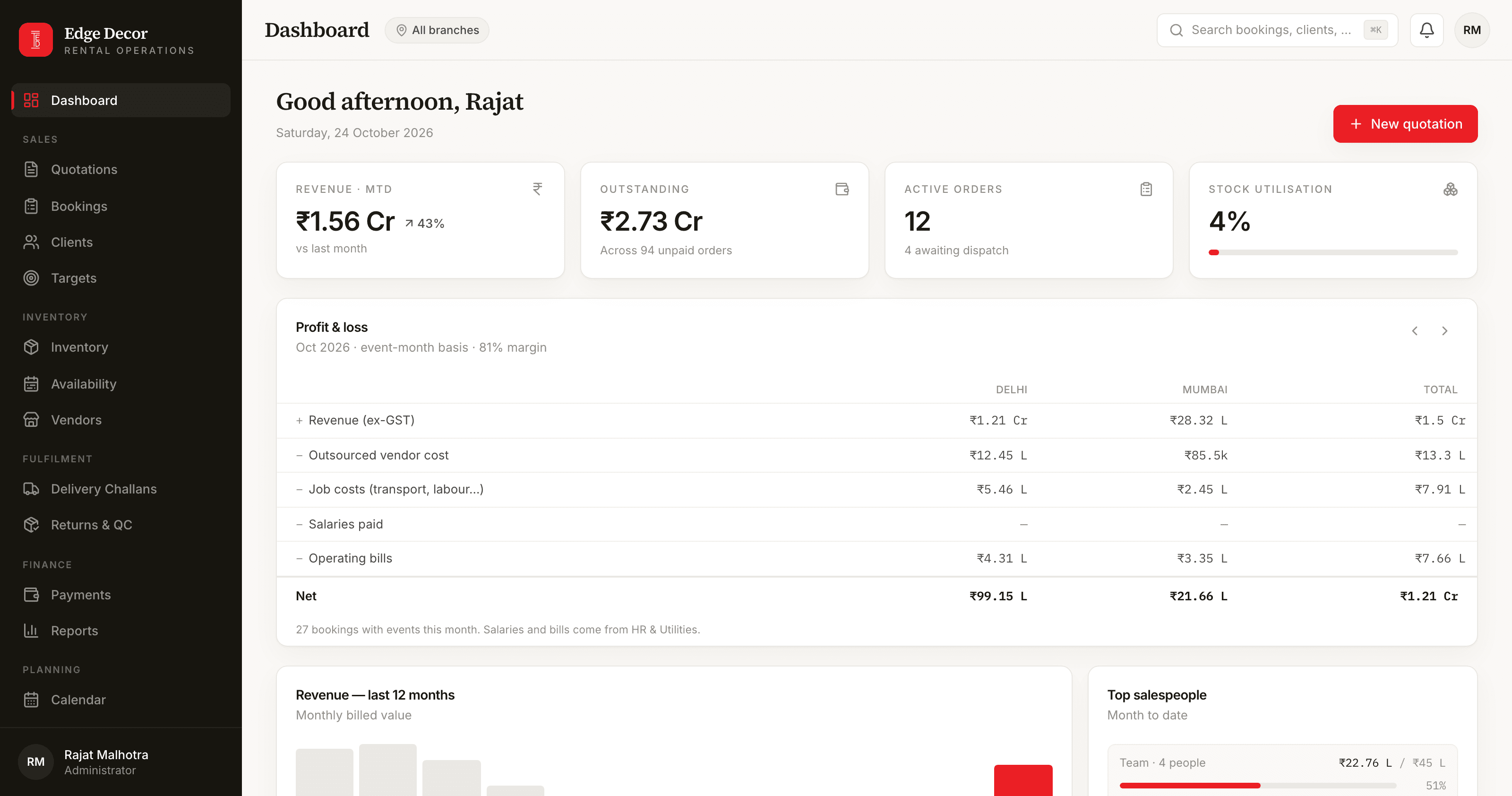
Edge Decor rents chairs, sofas, tables and decor pieces for weddings, corporate events and exhibitions from warehouses in Delhi and Mumbai. Before it, the business ran on spreadsheets, with the debtors in Tally. The system was built from the owner's own sheets, so the way the business already counts things is the way the system counts them.
At a Glance
2
Cities
22
Modules
5
Roles
2026
Built In
Key Features
Quotation to booking in one screen
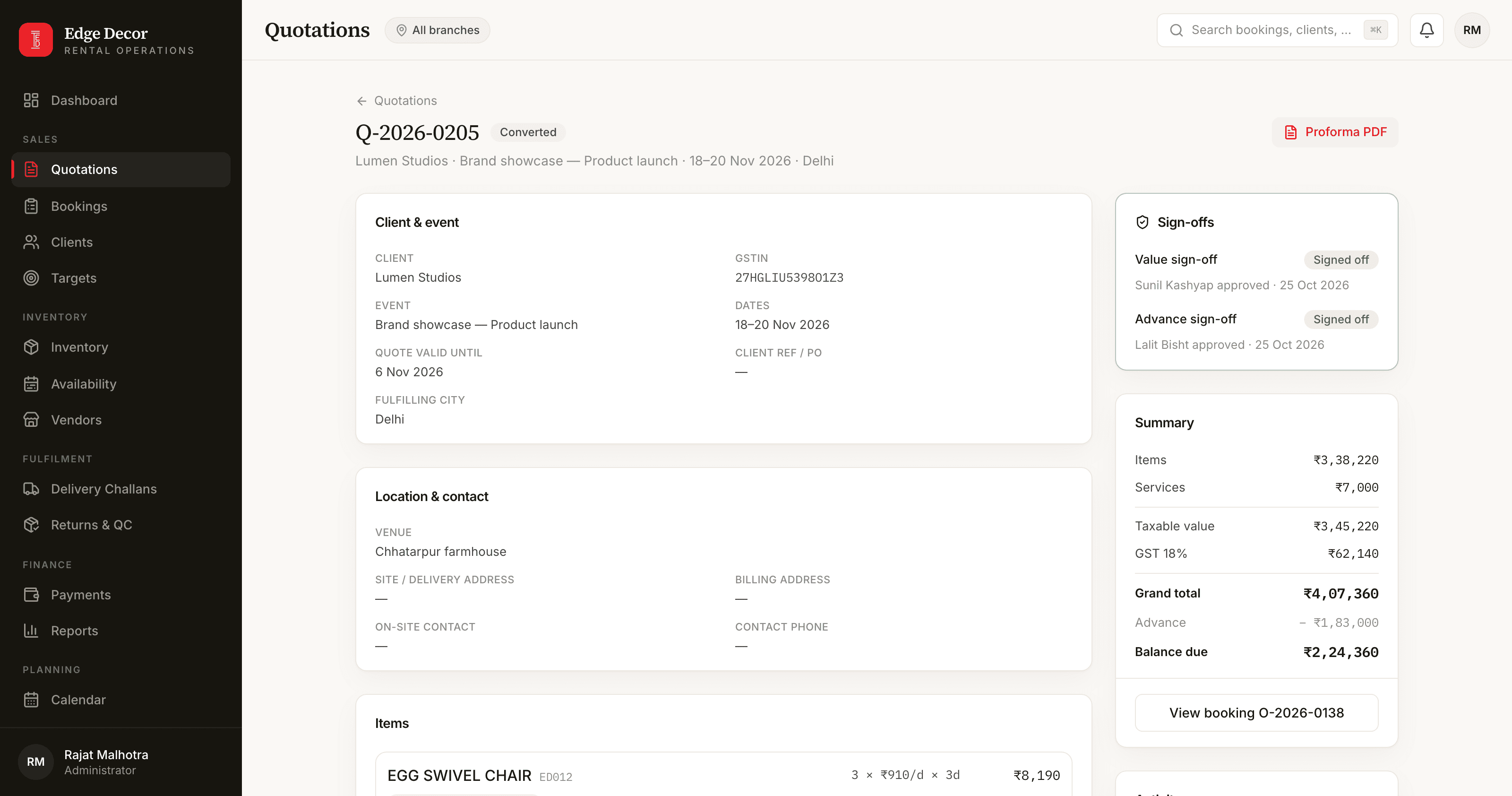
The salesperson picks the customer, the event dates and the items. Each line can carry its own dates, come from either city, and shows what is free there. Items the company does not own are marked outsourced with a vendor and a cost the customer never sees. The quotation becomes the booking in one step, and cannot become two.
Sign-offs before the customer sees anything
Above a limit the owner sets, a quotation waits for the branch manager; above a higher one, for the owner. A quotation asking for an advance waits for accounts. Until every sign-off is in, the proforma will not print and the quote cannot be sent. Editing the quote cancels its approvals, because the approval was for the numbers.
Invoices and challans in the company's own format
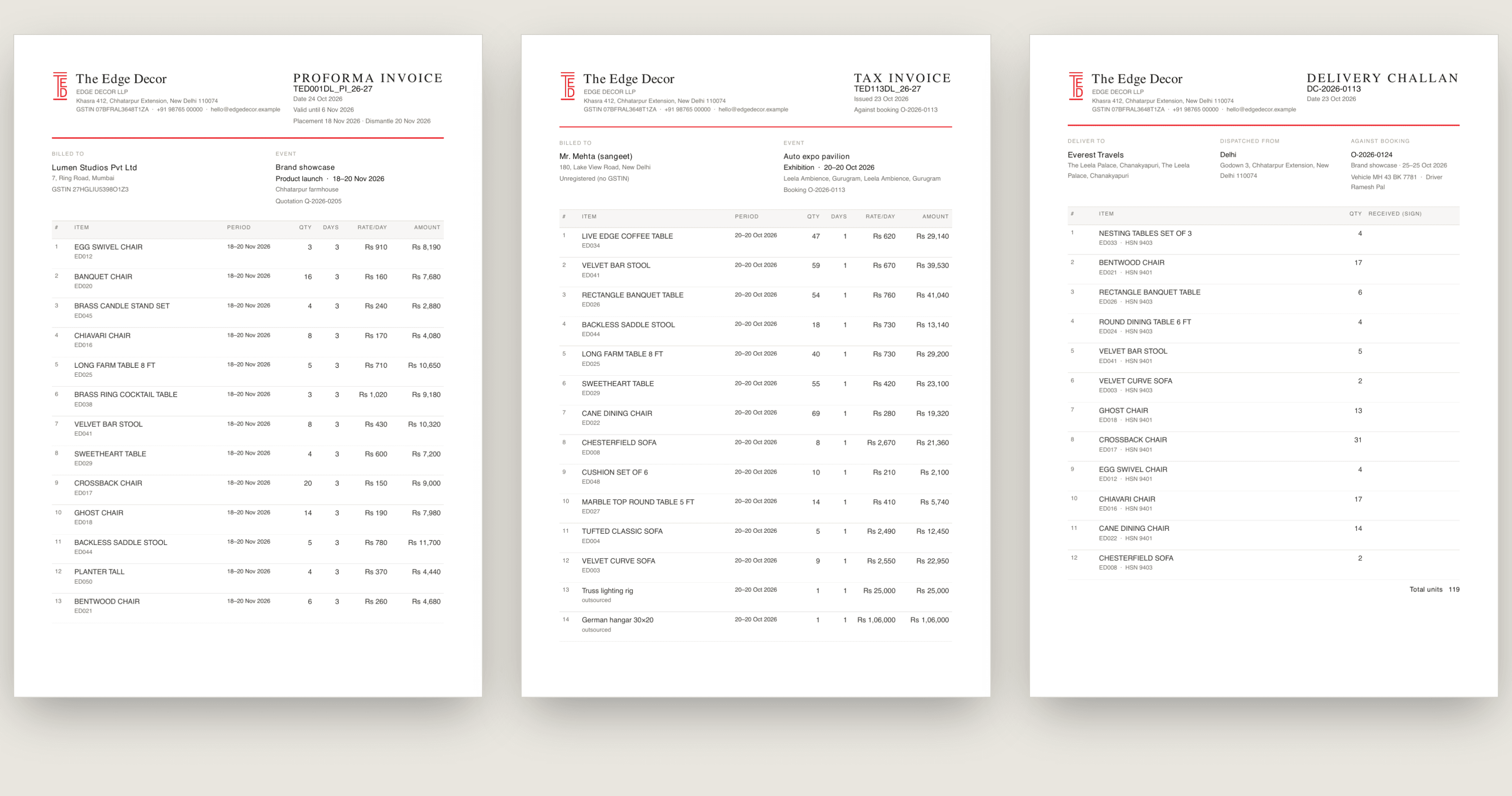
A proforma with its own number, a tax invoice numbered per state and financial year with CGST and SGST or IGST worked out from the place of supply, and a delivery challan carrying the warehouse's dispatch address. All on the company letterhead. The invoice counter picks up where the old series left off.
Stock by city and date
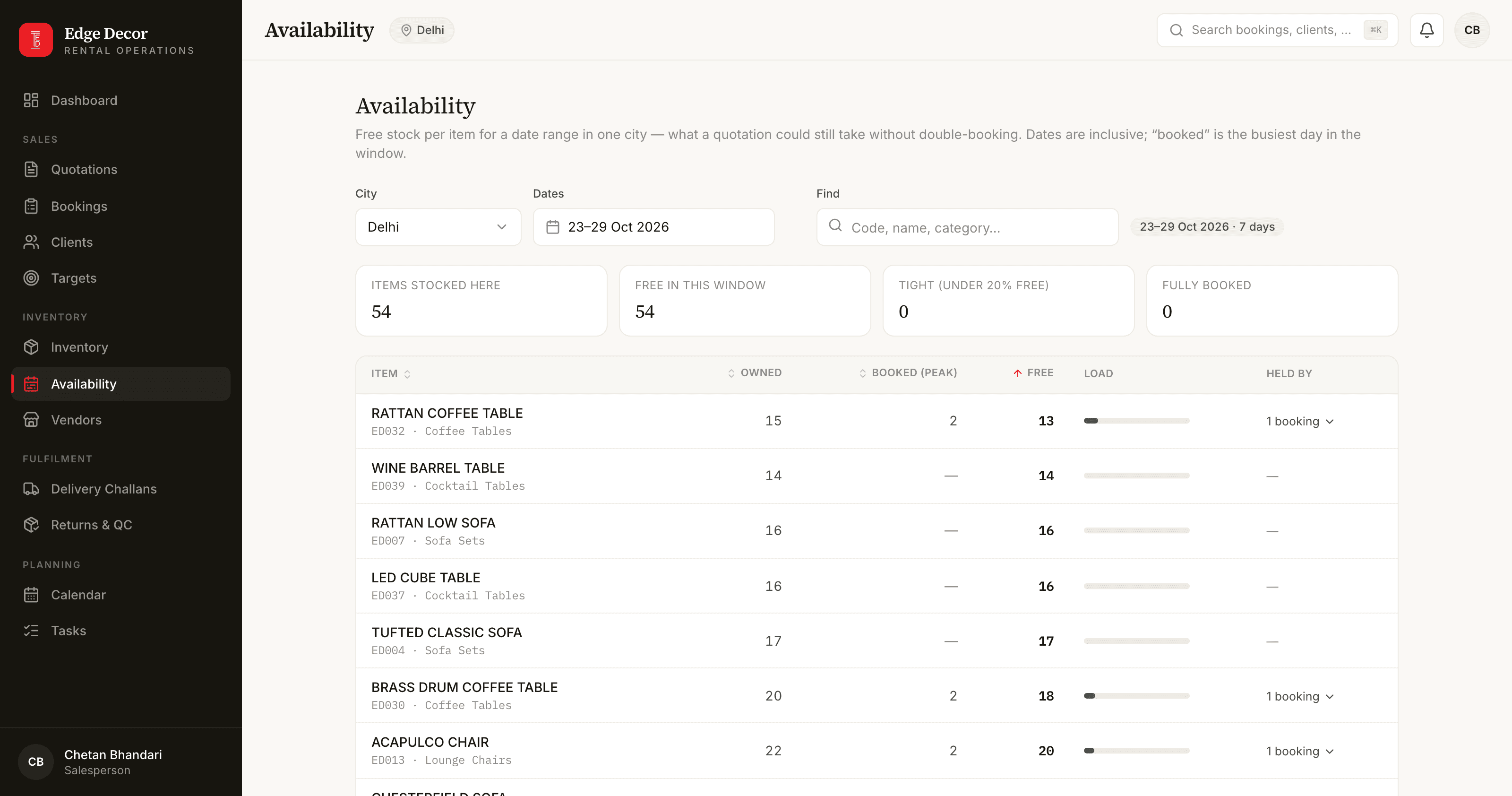
Every item has four counts in each city: in the warehouse, out at an event, in repair, written off. The availability board shows what is free in a city for any dates. One unit can serve back-to-back events but can never be promised twice.
Dispatch, returns and repairs
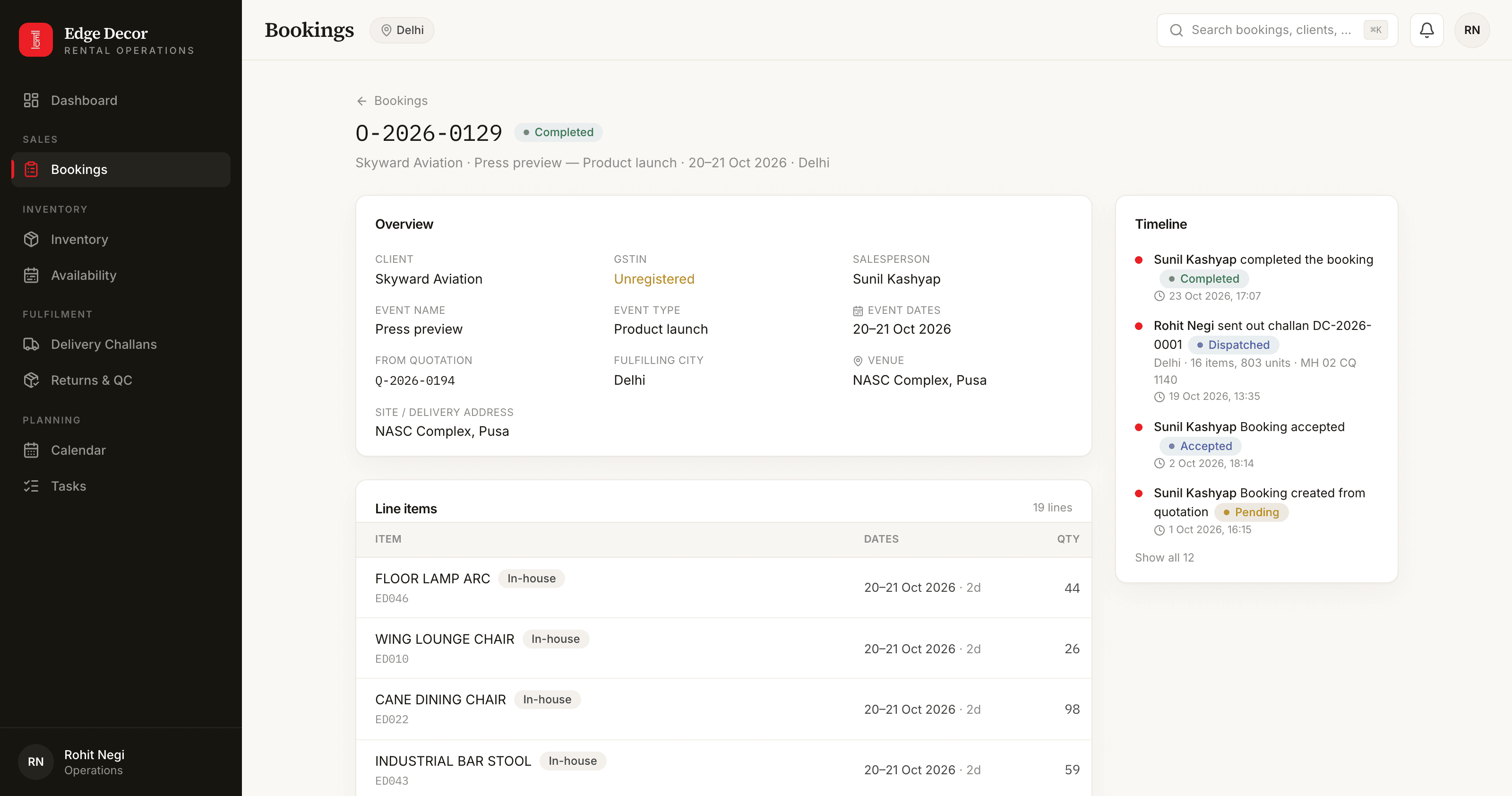
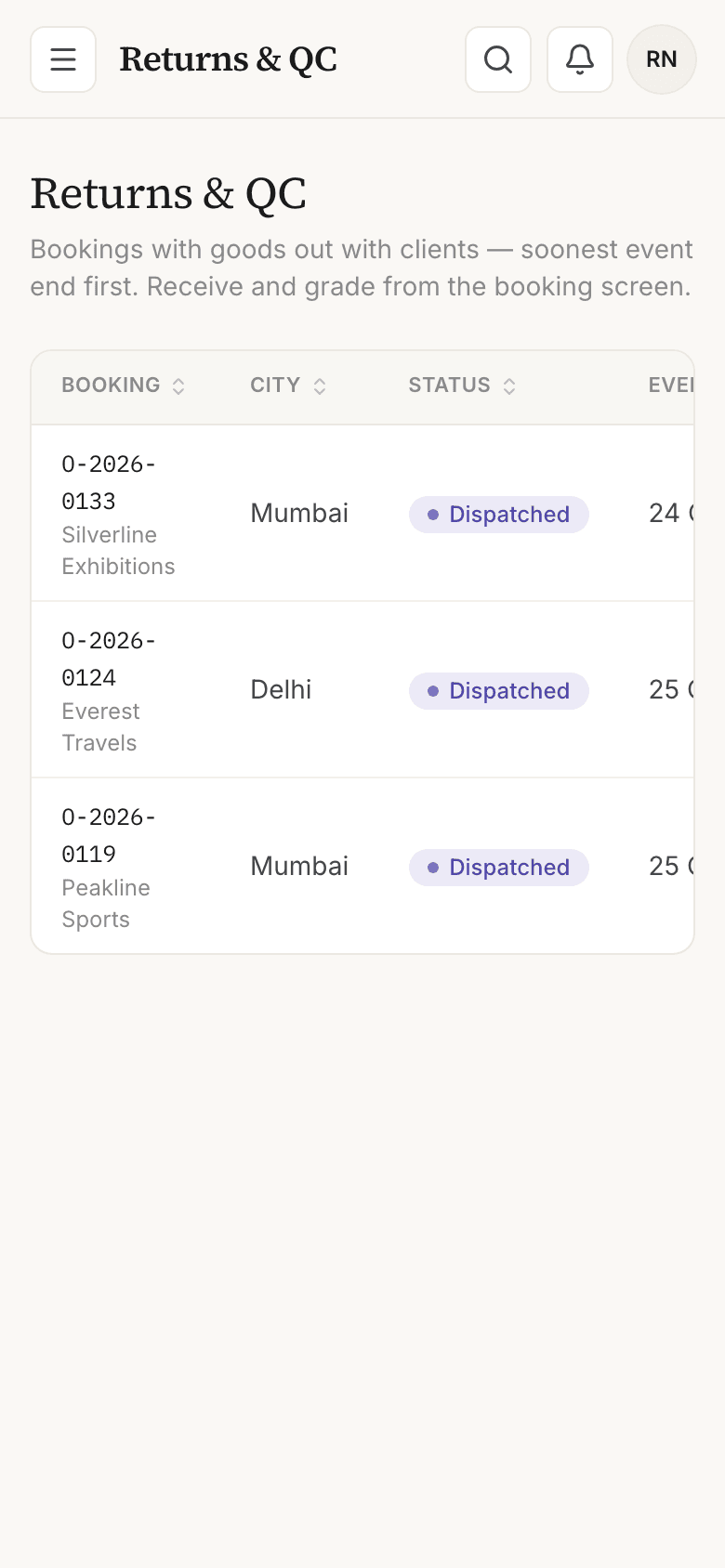
Creating a challan is the dispatch: the units leave the warehouse count the moment it is saved. Crews can send spares beyond the order. Returns are graded good, needs repair or damaged in one go, and a repaired item comes back into stock with its repair cost recorded once. Overdue returns are flagged every night.
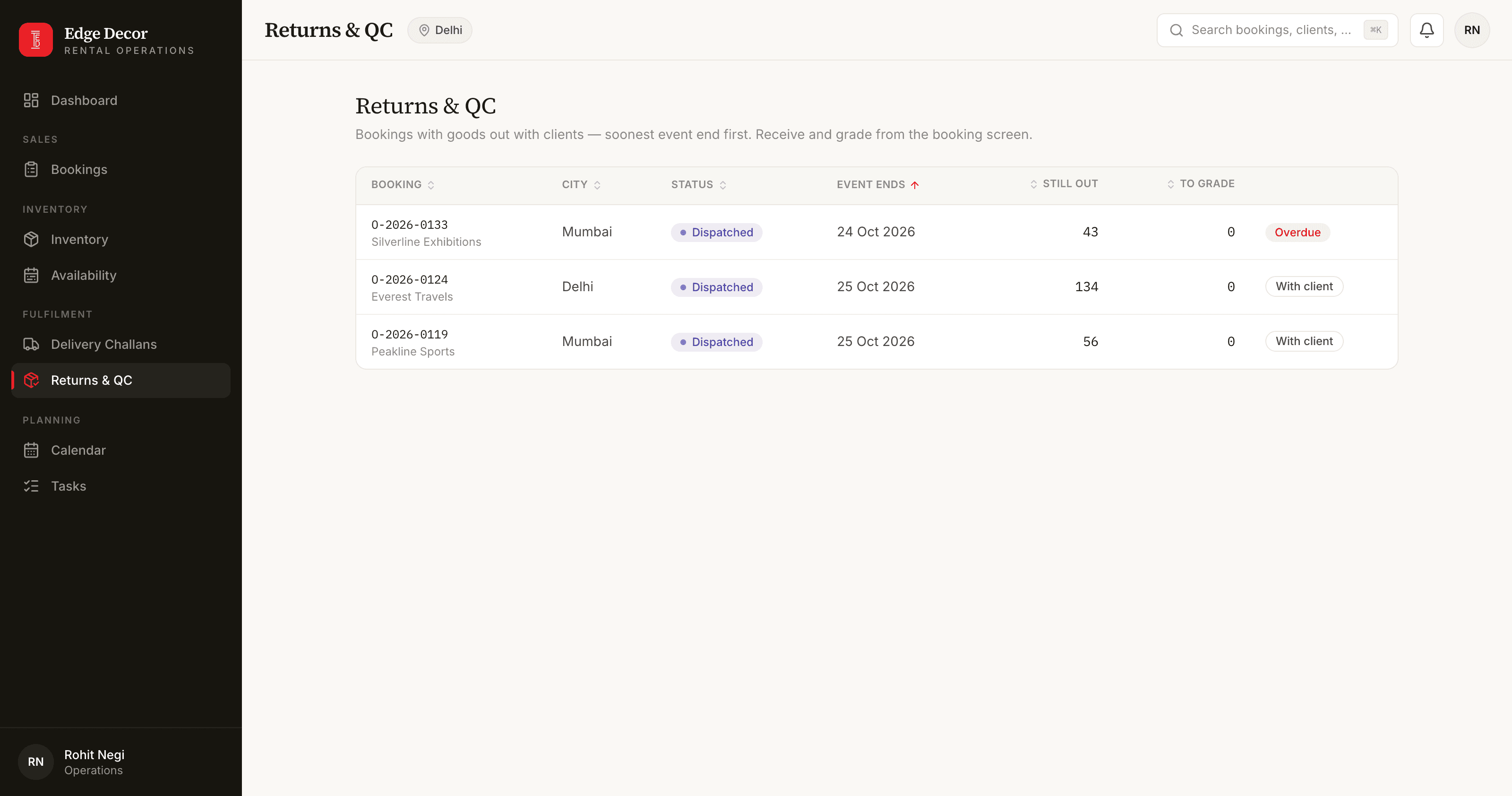
Operations never see a price
The warehouse team in each city runs its own goods: challans, returns, grading. No screen, document or notification they see carries a rupee figure.
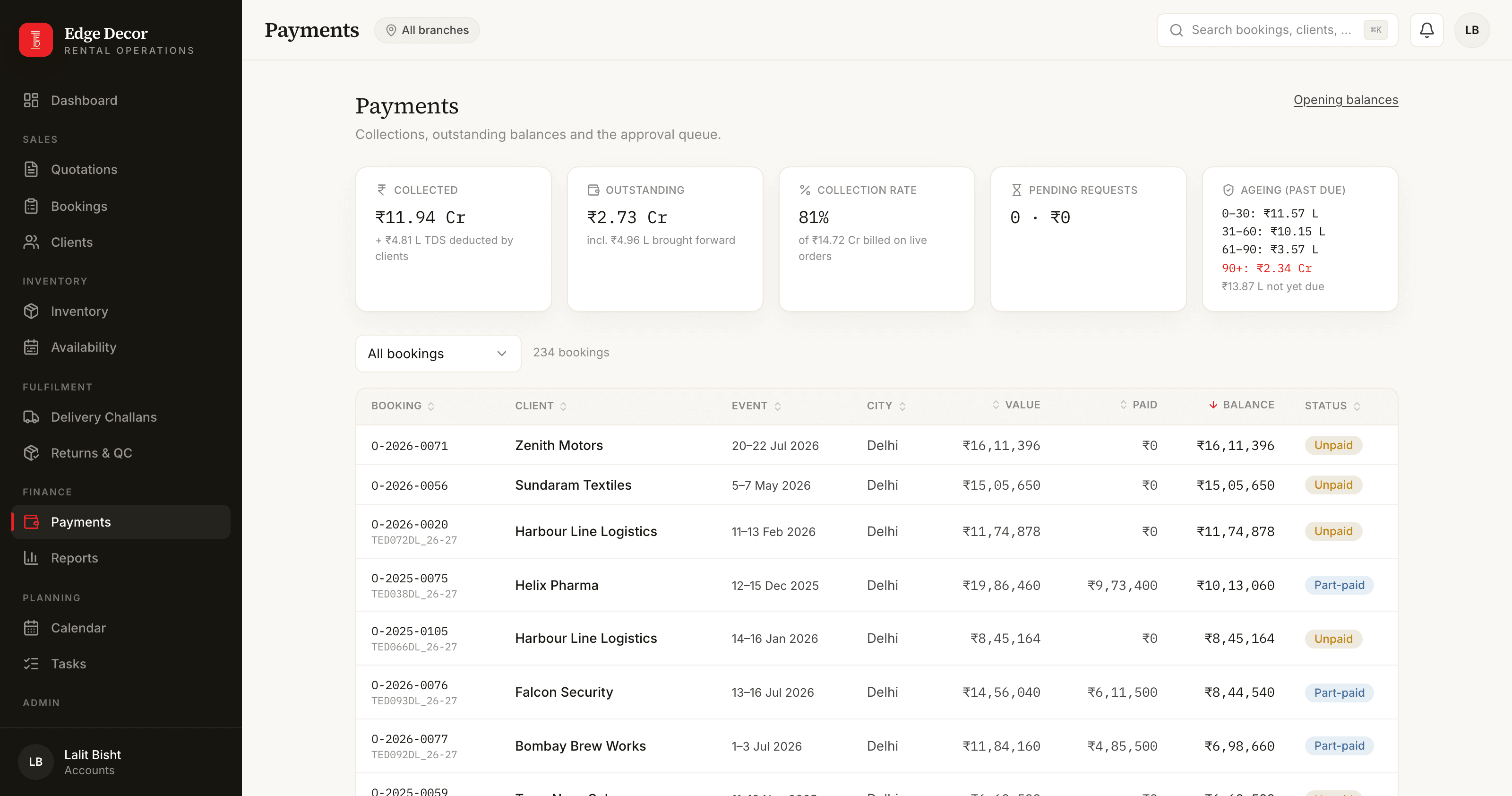
Money the way the business already counts it
Payments carry cash and TDS separately, so a bill paid net of TDS still reaches paid while collected shows only the cash. The debtors list from the old books sits inside outstanding and ageing from day one. Salespeople request a payment; accounts approve it.
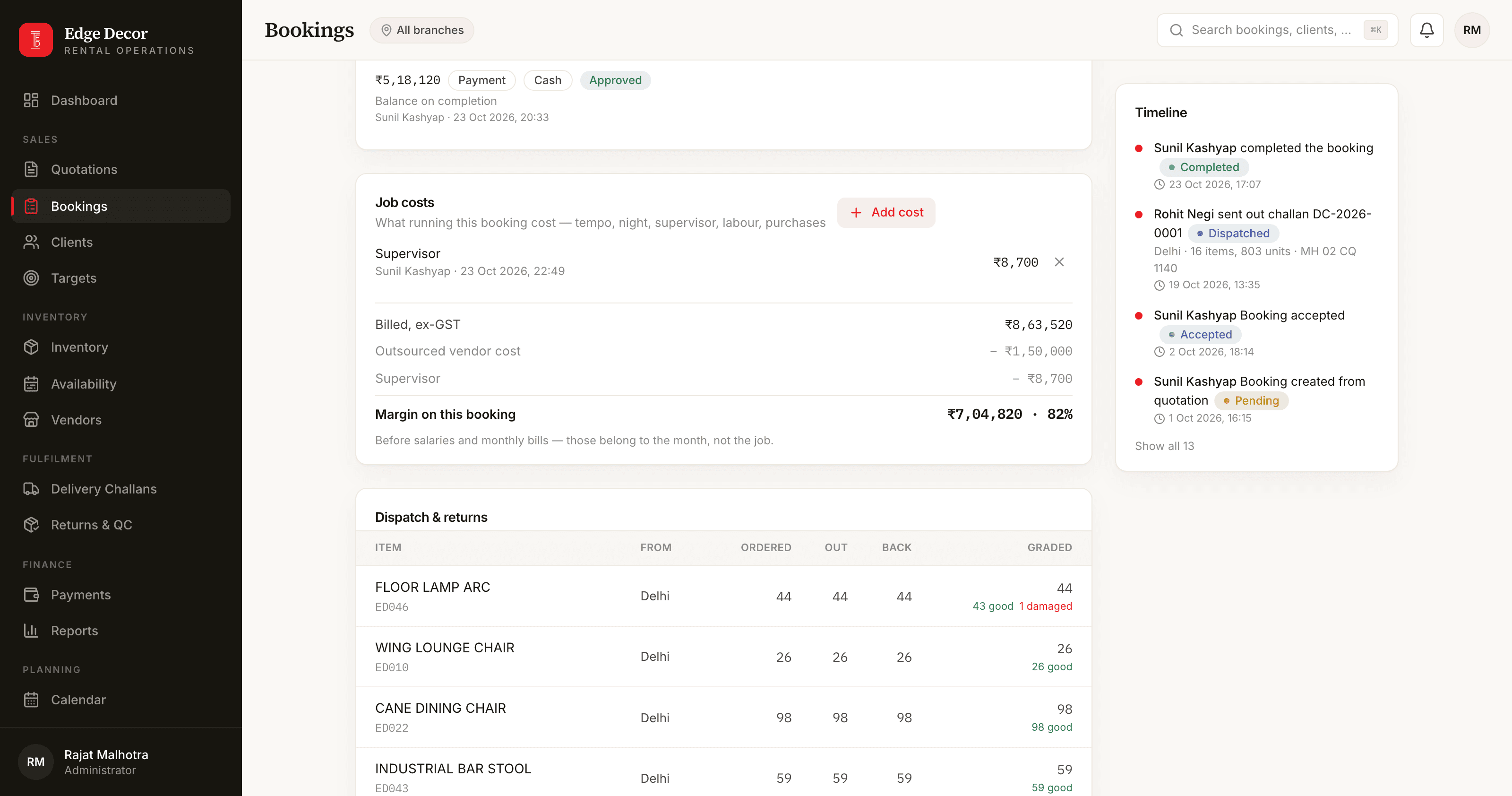
Margin per booking, profit per city
Each booking carries its own costs: transport, labour, night charges, purchases. Margin is what was billed less the vendor cost and those costs. The month's profit per city is the bookings' margins less salaries and bills. Sales see prices, never margin.
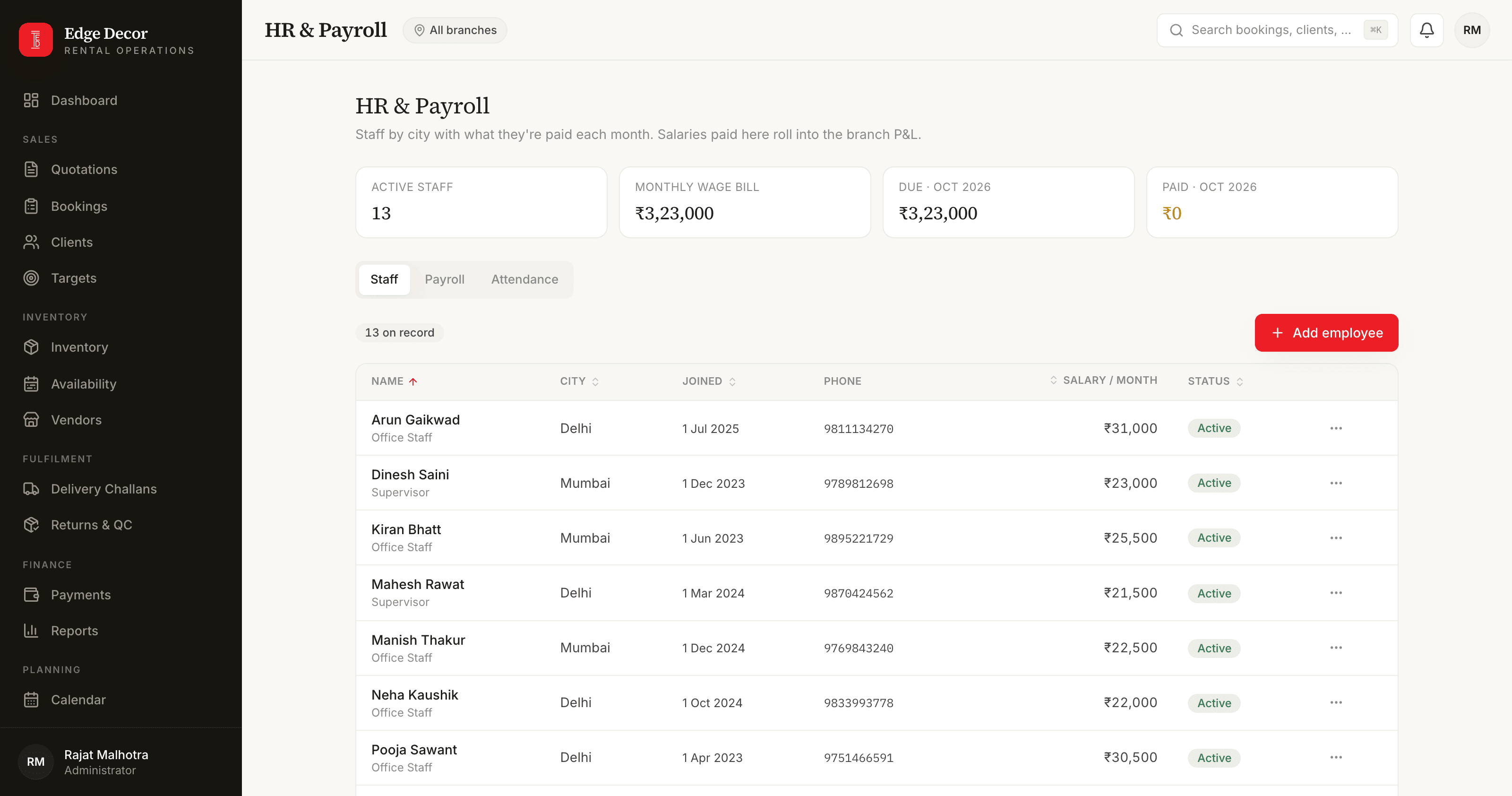
Staff, payroll and attendance
Employee records per city, a monthly payroll run, and an attendance grid marked with a click. The attendance counts sit beside each payroll row; the owner decides the pay.
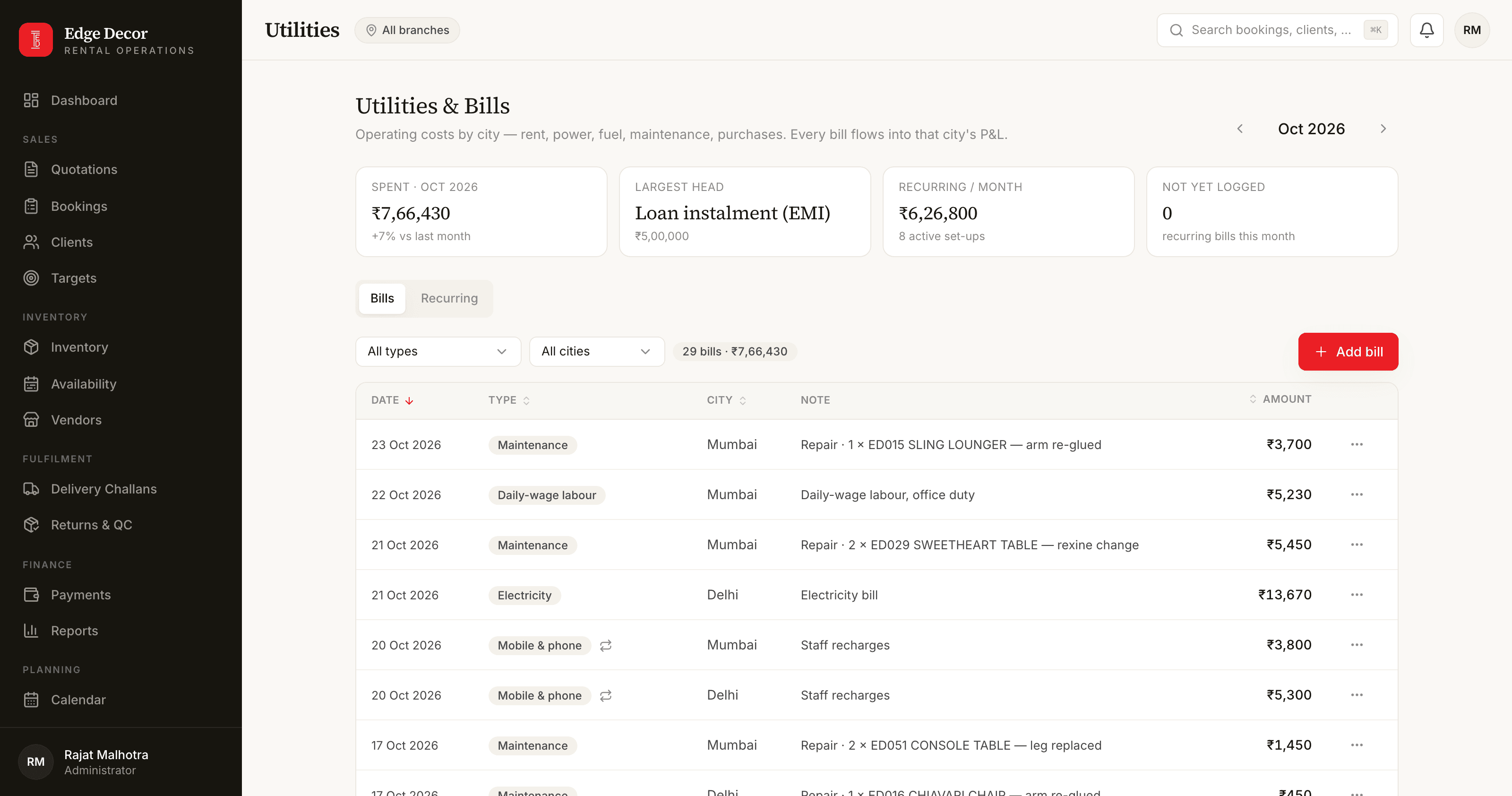
Bills and petty cash
Operating bills by type, with recurring ones like rent and loan instalments logged by themselves each month. A cash book per city that answers one question: where is the cash.
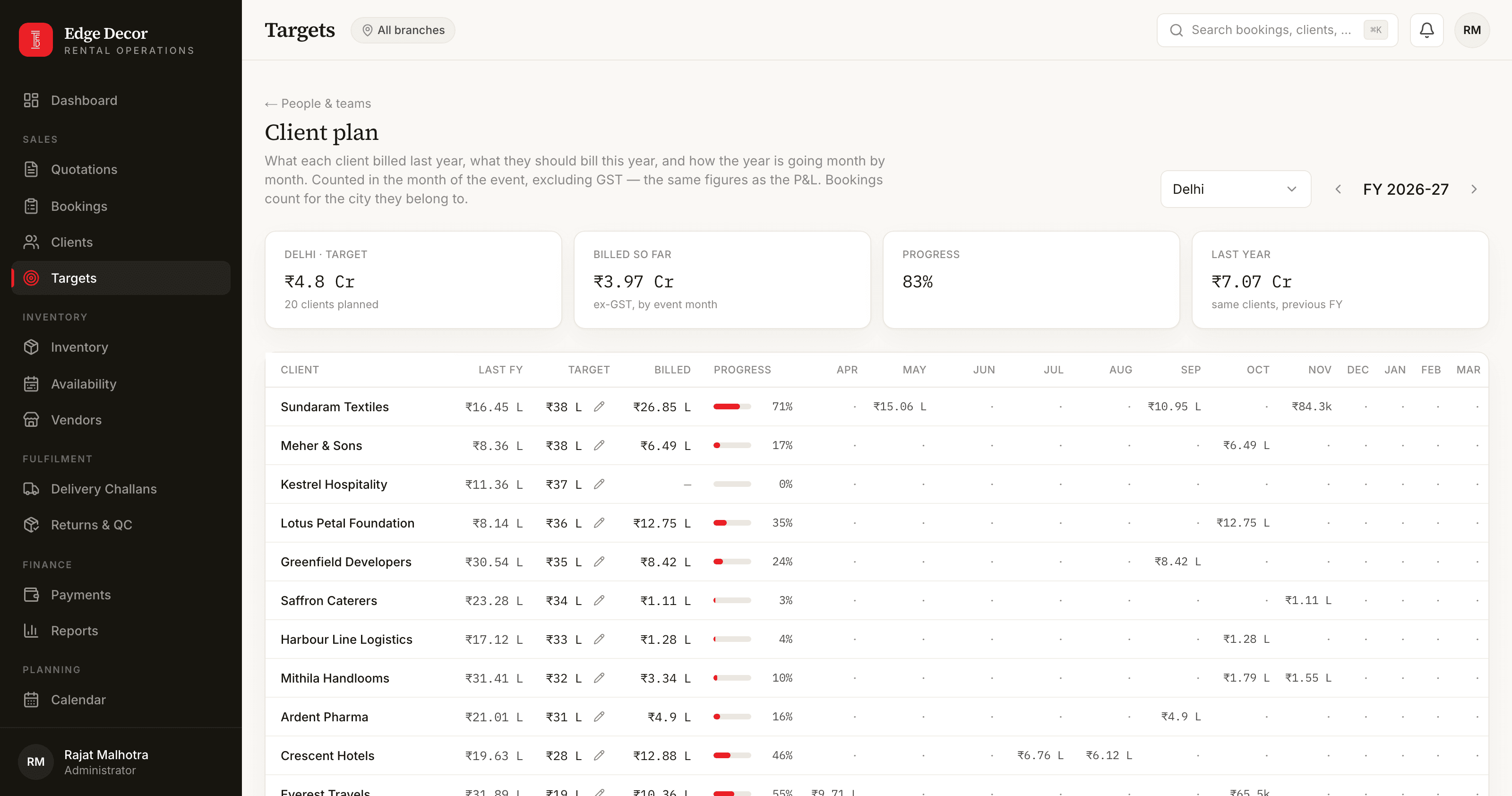
Targets and the client plan
Monthly and yearly targets per person and per city. A client plan for the financial year, one row per customer with twelve month columns, the way the owner planned it in his sheet.
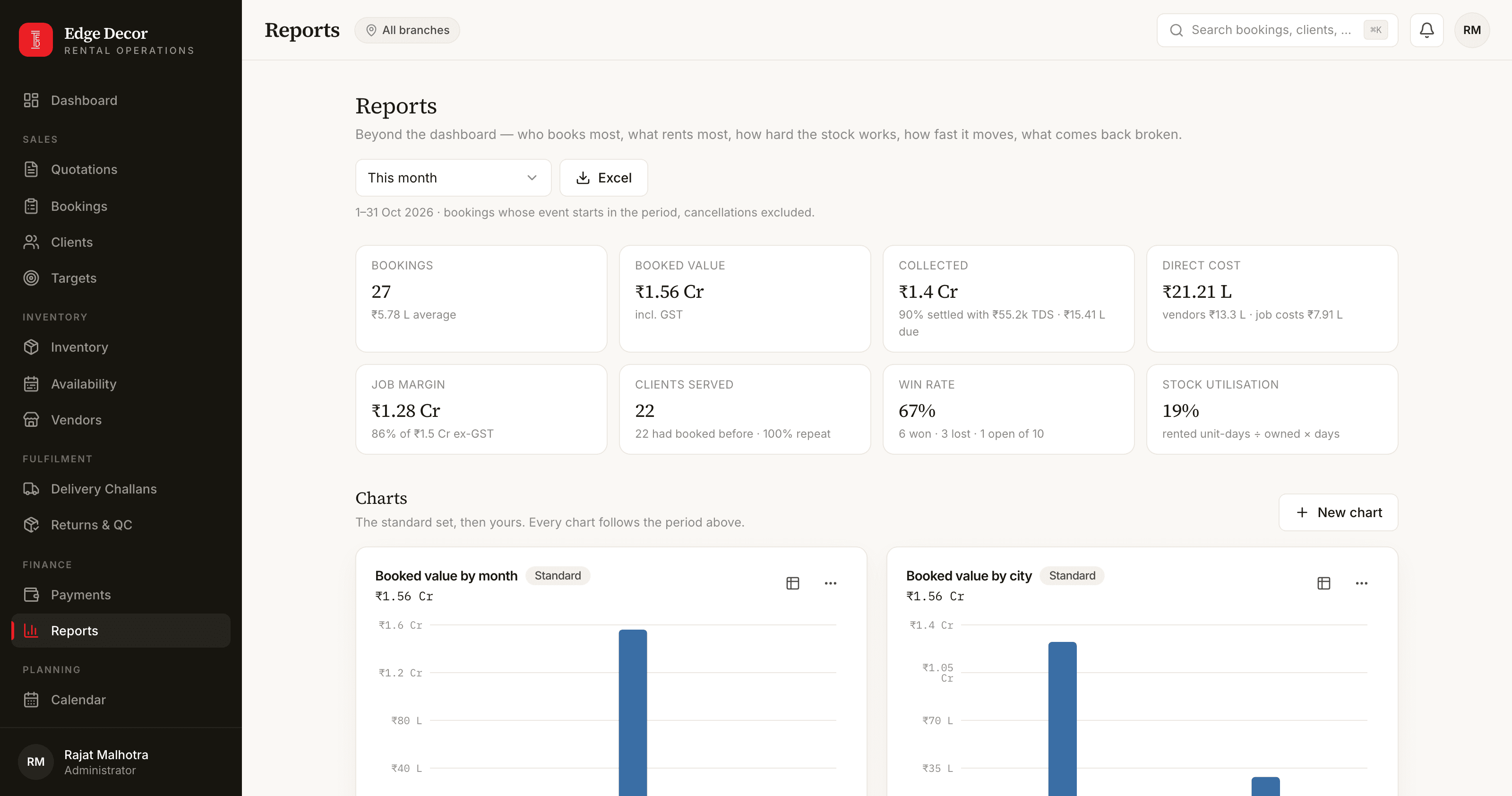
Reports with a chart builder
Top customers and products, utilisation, fulfilment time, grading results, win rate, collection rate, margin. A chart builder for the owner's own charts, shareable with the team, and the period exported to Excel in one click.
Works on a phone
Every screen is built to fit a phone, and the app installs to the home screen. Push notifications reach the team wherever they are.
Also
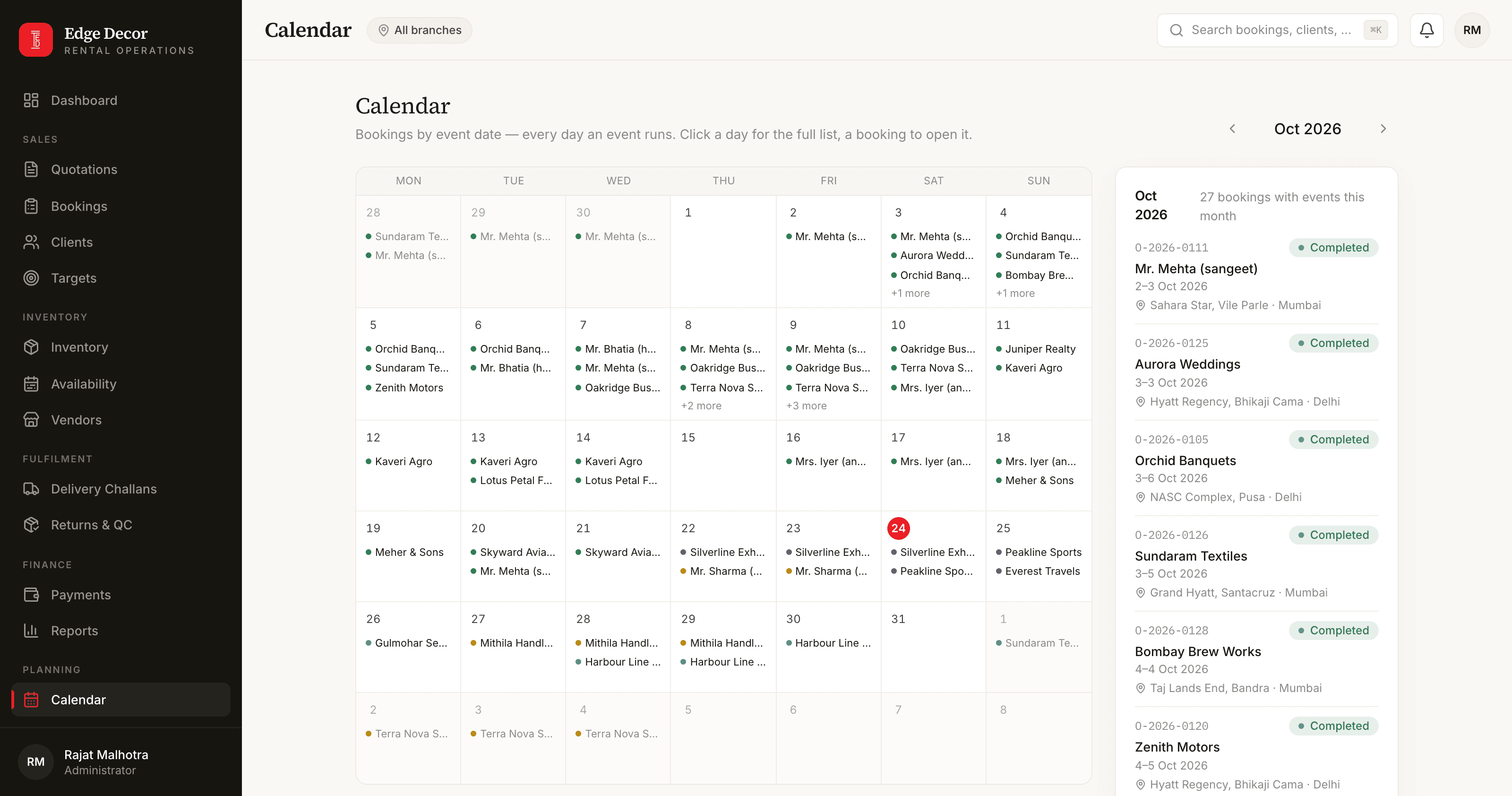
A calendar of every booking, an activity log of every change, tasks the owner can hand out, a search box that finds any record, and a per-person permission grid.
System Architecture
One Next.js application on Vercel with Postgres on Neon. The engines that matter, availability, challans, invoices, payroll, repairs, opening balances, the cash book and the chart builder, are plain modules with no login and no clock of their own, so each has a console test suite that runs against a database branch. Server actions wrap them with the role check, the city wall and the module gate. Prices are removed for operations on the server before anything reaches the browser.
Login & Permission Grid
Catalogue & Stock per City
Availability Engine
Quotations & Sign-offs
Bookings & Challans
Invoices & Payments
HR, Payroll & Attendance
Bills & Cash Book
Dashboards, P&L & Reports
Notifications & Audit
Technical Highlights
Availability is derived, not stored: a booking's lines are its reservation while the booking is active, and the check runs with the stock rows locked, so two conversions of the last units cannot both succeed
Modules are released to production by a flag store, so a milestone can be switched on without a deploy
Twelve console test suites and a browser walk per module with real logins run against a database branch; the suites include races such as two challans for the same stock at once
A shared chart is a definition recomputed for whoever opens it, so a city manager sees only their own city inside the owner's chart
Next Step
Running an operation like this?
If you're wrestling with the same kind of complexity — multi-branch inventory, formulations, approval workflows — tell me about it. I'll respond within 24 hours with an honest assessment.
Start a conversation